
Google Business Profile Tips for Gyms in 2027
Your Google listing is your front door online. Here is how to make it welcoming.
Oct 24, 2026 / 3 min read / Profitable systems
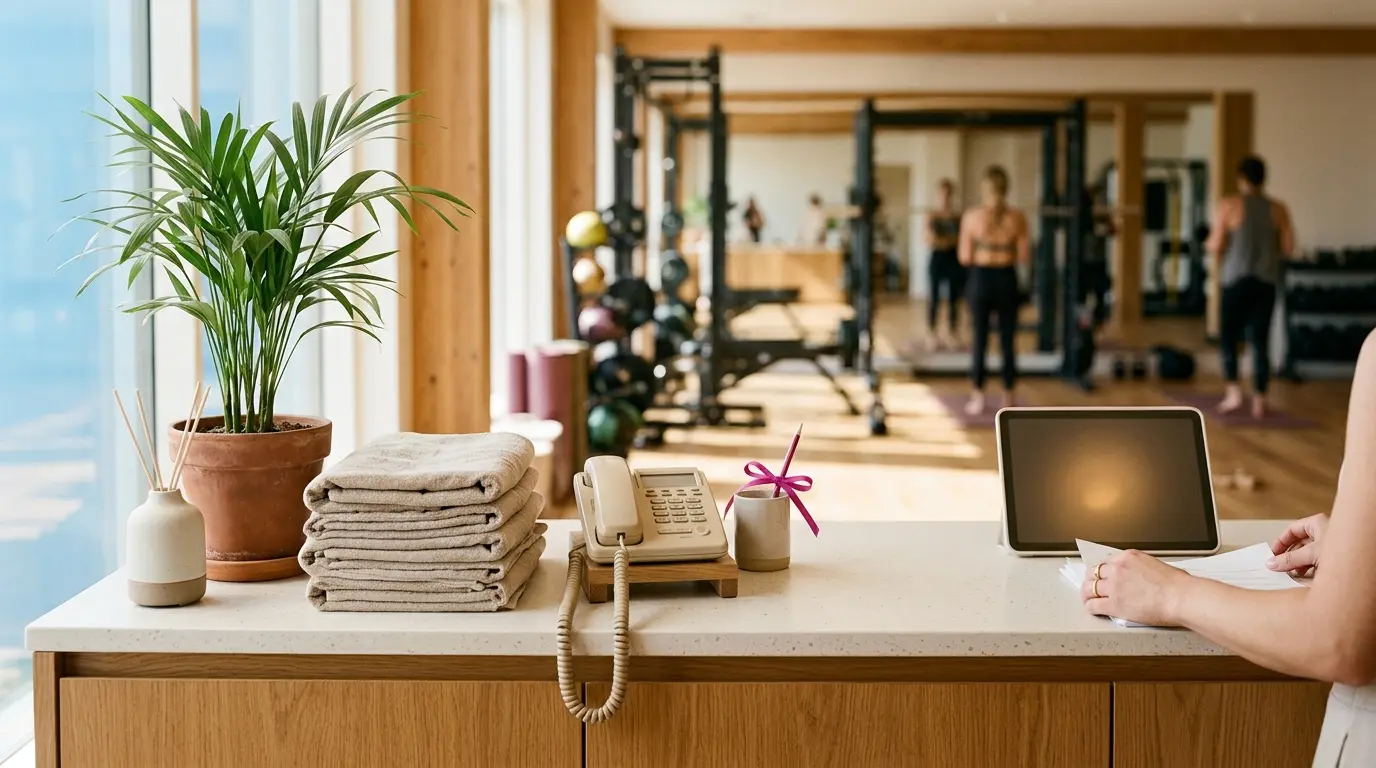
A gym owner pours everything into her place. New flooring, good coaches, a community that throws birthday parties for each other. Inside, it is the warmest gym in town.
Online, it looks abandoned. The Google listing shows one blurry photo of the outside, taken on a grey day. The hours are wrong. The last review is two years old.
People walk past the real door every day and never come in, because the door they saw first, on their phone, looked closed. She cannot understand why growth has stalled. The answer is sitting in a listing she has not opened since the day she made it.
Most people see your Google Business Profile before they see your website, and long before they see your gym. It is your front door.
Here is how to make it look as good as the place really is.
Get your hours exactly right
Nothing loses a new member faster than turning up to a locked door. Check your hours today.
Update them for public holidays and for any seasonal changes. Google lets you set special hours for specific dates.
Add a lot of photos
Aim for at least twenty, and add a few new ones every couple of weeks.
- The outside, so people can find the door.
- The main floor in good light.
- Classes in action.
- Coaches with members.
- Changing rooms and showers.
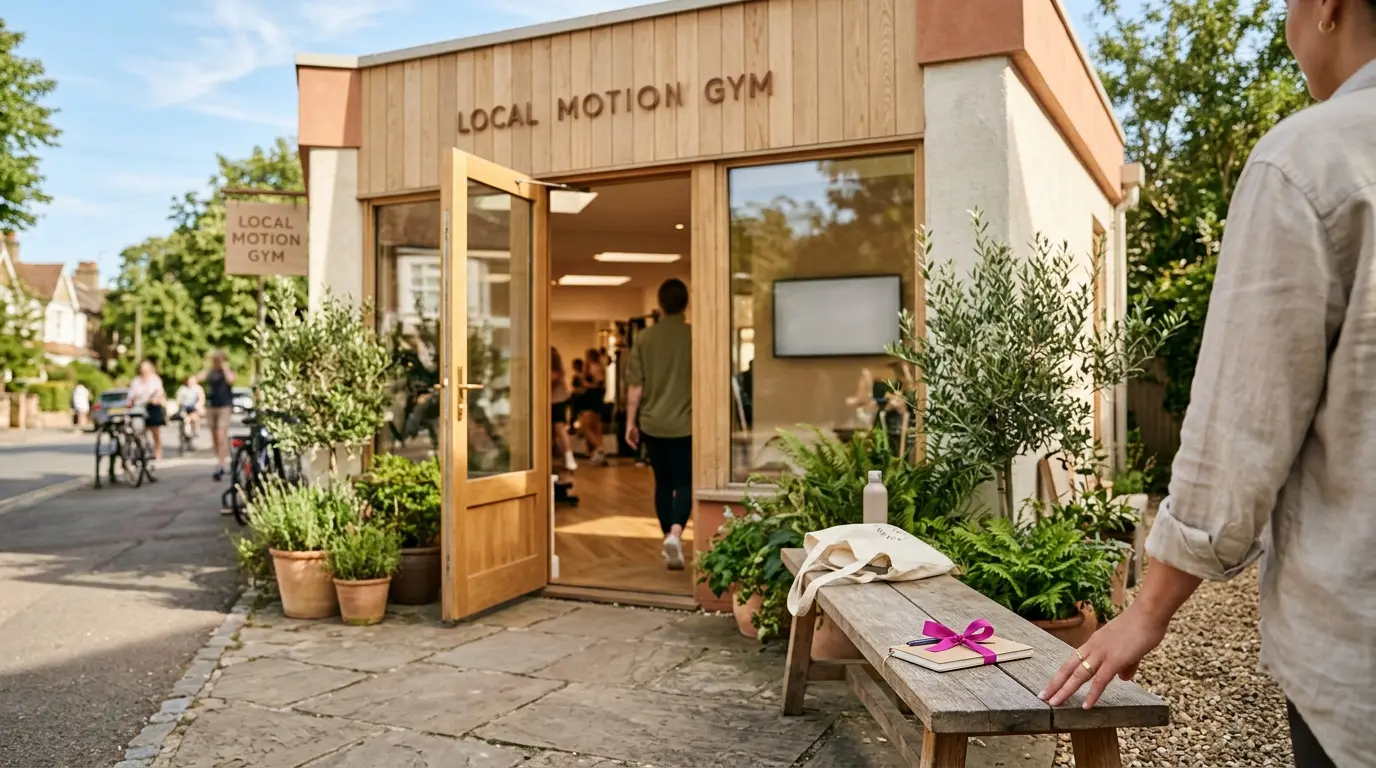
Choose the right categories
Your main category should be Gym or Fitness center. Then add any that fit, such as Personal trainer, Yoga studio or Boxing gym.
Only add what you really offer.
Post what is happening
Your profile has a posts section. Use it like a noticeboard.
Words you can use
New beginners' strength class starts Monday at 6pm. First session is free. Message us to save a spot.
A post every week or two tells Google and visitors that the gym is alive.
Turn on messaging and booking
Many people would rather send a message than make a phone call. Make sure someone answers quickly.
If you can add a booking link for a free trial, do. The fewer steps, the more people book.
Reply to every review
A warm thank you takes ten seconds. A calm, kind reply to a complaint shows future members how you treat people.
Common questions
- How often should I update my gym's Google profile?
- Add photos every couple of weeks, post once a week or so, and reply to reviews within a few days. Check your hours before every holiday.
- What if someone leaves an unfair review?
- Reply calmly and briefly, and invite them to talk to you directly. If the review breaks Google's rules, for example it is about a different business, you can report it.
That owner had built something special. The problem was never the gym. It was the grey photo and the wrong hours standing in front of it.
An hour on your Google Business Profile lets people see what you have really built. Open the door online, and more of them will walk through the real one.
If you would like to see how this could look for your gym, we build a demo first. You only decide after you have seen it.
Topics
- Google Business Profile for gyms
- gym near me
- gym Google Maps ranking
- local SEO for gyms
- gym marketing
Keep reading
Gyms / Oct 29, 2026
AI Search for Gyms: A Simple GEO Guide for 2027
GEO means showing up when an AI answers a fitness question. Here is the short version for gym owners.
3 min read
Gyms / Nov 1, 2026
AI Receptionist for Gyms: Answer Every Enquiry in 2027
People call after work, when your desk is busiest or closed. Here is how to stop missing them.
3 min read

Gyms / Nov 6, 2026
A Simple Phone Script for Booking Gym Trials in 2027
What to say when someone calls about joining, in four short steps that end with a booked visit.
3 min read
Gyms / Nov 13, 2026
Gym Marketing Automation: Three Simple Wins for 2027
Three messages that send themselves and bring in more members, without sounding like a robot.
3 min read