
Landscaping Estimating Software: What to Look For in 2027
The right tool lets you price a yard on the spot. Here is what matters and what does not.
Nov 7, 2026 / 4 min read / Custom software
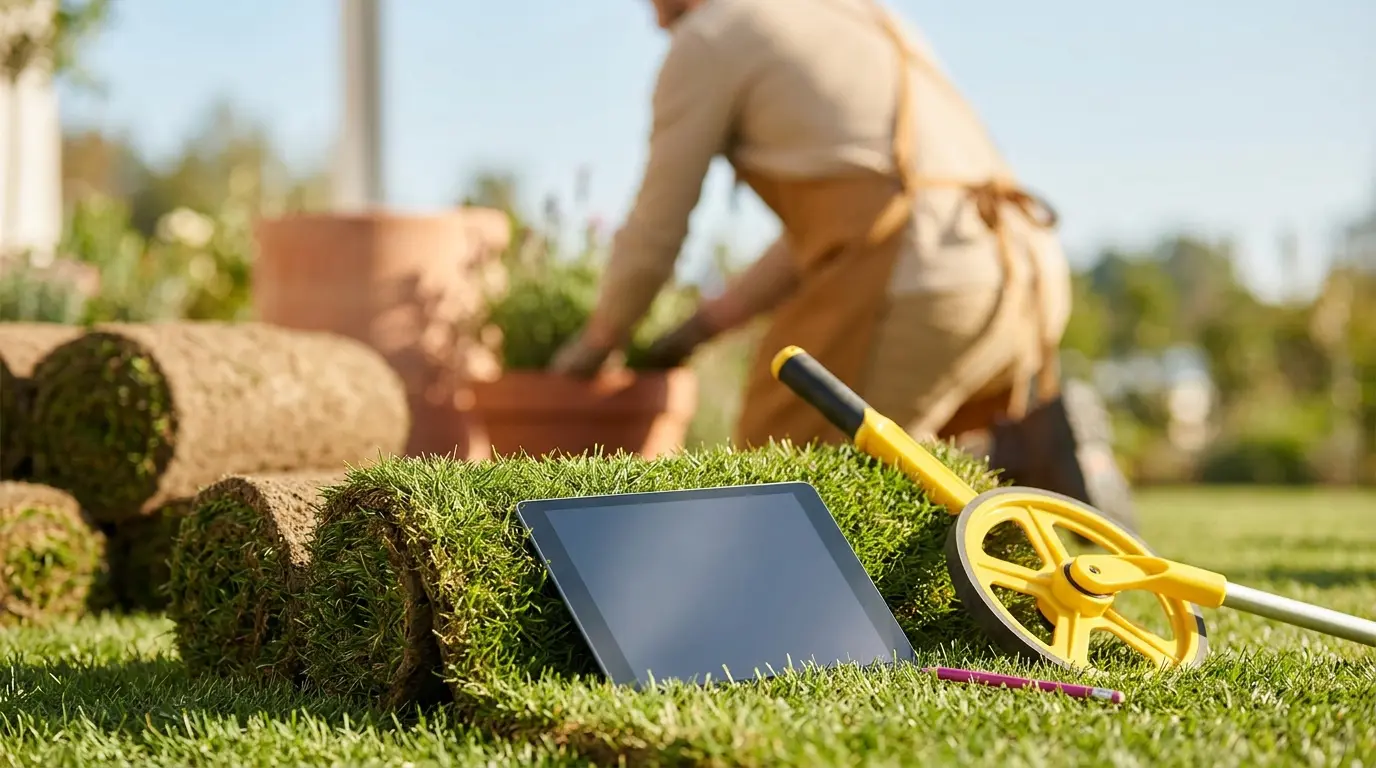
It is 10.15 at night. The house is quiet. You are at the kitchen table with a calculator, a pile of scribbled measurements and a cold cup of coffee, working out a quote for a yard you walked on Monday.
It is Thursday. You know the customer has probably heard from two other landscapers by now. You know you should have sent this days ago. But the days are for working, so the quotes get done at night, when you are worn out.
Your family went to bed an hour ago. You promised yourself this year would be different. It is not different yet.
If you write your quotes at the kitchen table at ten at night, you are not alone. Most landscapers do. And most lose jobs because of it, to whoever sent a price the same afternoon.
Estimating software fixes that. But there are many tools, and plenty of them are built for companies far bigger than yours. Here is how to tell what you actually need.
What estimating software should do
At its simplest, you enter a few details about the job and it gives you a price. Square feet of sod. Yards of mulch. Hours of labour. It does the maths the same way every time.
Then it turns that into a clean quote with your logo that you can send by text or email.
It must use your prices
This is the most important test. Every landscaper prices differently. Your labour rate, your markup on materials, your minimum charge, your travel fee.
If a tool forces you to price its way, your quotes will be wrong or you will spend your time working around it. Check that you can set your own numbers for everything.
Related: How Following Up Wins More Landscaping Quotes in 2027
It must work standing in the yard
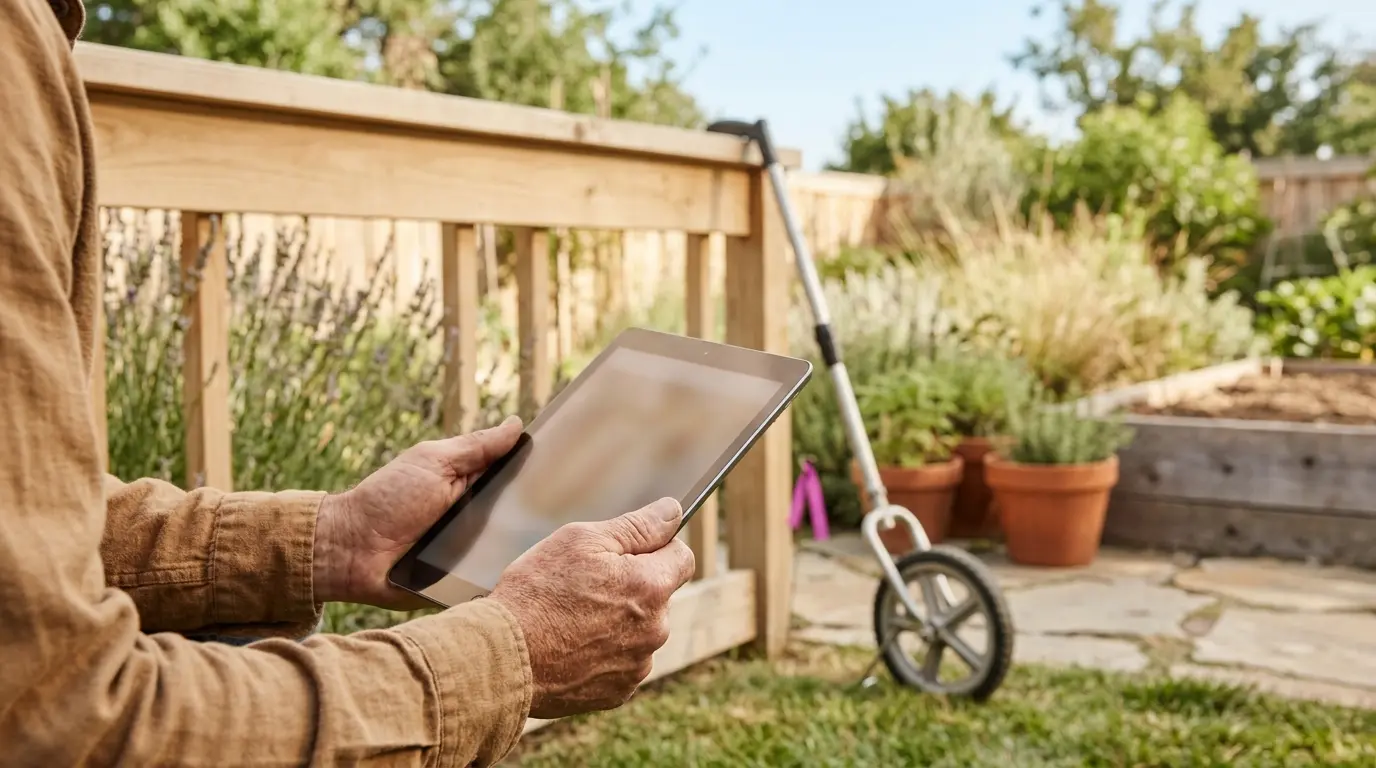
You should be able to open it on your phone or tablet, walk the yard, enter the measurements and have a price before you leave.
Try it outdoors in sunlight with one hand. If it is fiddly, you will stop using it.
It must send a quote that looks professional
The quote is often the first thing a customer has in writing from you. A clear, branded quote with line items builds trust. A number in a text message does not.
Look for a quote the customer can accept with one tap. The easier it is to say yes, the more yeses you get.
Related: 7 Conversion Tips for a Landscaper's Website in 2027
Good, better, best options
Offering three levels works well in landscaping. A basic clean-up. A clean-up with new mulch. A clean-up with mulch and new plants.
Many customers choose the middle one. A tool that lets you build options quickly raises your average job without any hard selling.
What you can skip
Big systems come with a lot you may never use: payroll, fleet tracking, complex reports. They cost more and take longer to learn.
- If you are a small crew, start with quoting and invoicing.
- Add scheduling when you have more than one crew.
- Add the rest only when you feel the need.
Common questions
- How fast should I send a quote?
- The same day if you can. On the spot is best. Customers are most interested right after you have walked the yard with them.
- Can my crew leaders quote with it?
- Yes, and that is a big benefit. With your prices built in, anyone can produce the same quote you would. You no longer need to visit every job yourself.
Now picture Monday again. You walk the yard with the customer, tap in the measurements, and before you get back in the truck the quote is in her inbox with your logo on it. She reads it while you are still in her driveway.
That night you are not at the kitchen table. That is what the right landscaping estimating software gives you. Not fancy features. Your evenings back, and jobs you used to lose to faster quotes.
We do this for local businesses every week. If it would help, we can show you a demo made for your landscaping business.
Topics
- landscaping estimating software
- landscaping software
- lawn care estimating app
- landscaping quote software
- best software for landscaping business
Keep reading
Landscaping / Nov 12, 2026
5 Numbers Every Landscaping Business Should Track in 2027
You do not need a big report. Five numbers tell you how the business is really doing.
3 min read
Landscaping / Oct 16, 2026
How to Get Landscaping Leads Without Paying for Them in 2027
You do not need to buy leads. Here is the free, steady way most busy landscapers get their calls.
5 min read

Landscaping / Oct 21, 2026
How to Get ChatGPT to Recommend Your Landscaping Business in 2027
More homeowners now ask an AI who to hire. Here is what helps it find you and name you.
4 min read

Landscaping / Oct 28, 2026
AI Search for Landscapers: A Simple GEO Guide for 2027
GEO means being the business an AI answer mentions. Here is the short, no-jargon version.
3 min read