
The Anatomy of a Perfect Solar Service Area Page
You install in fifteen cities but show up in search for one. A service area page for each town fixes that.
Nov 21, 2026 / 4 min read / Profitable systems
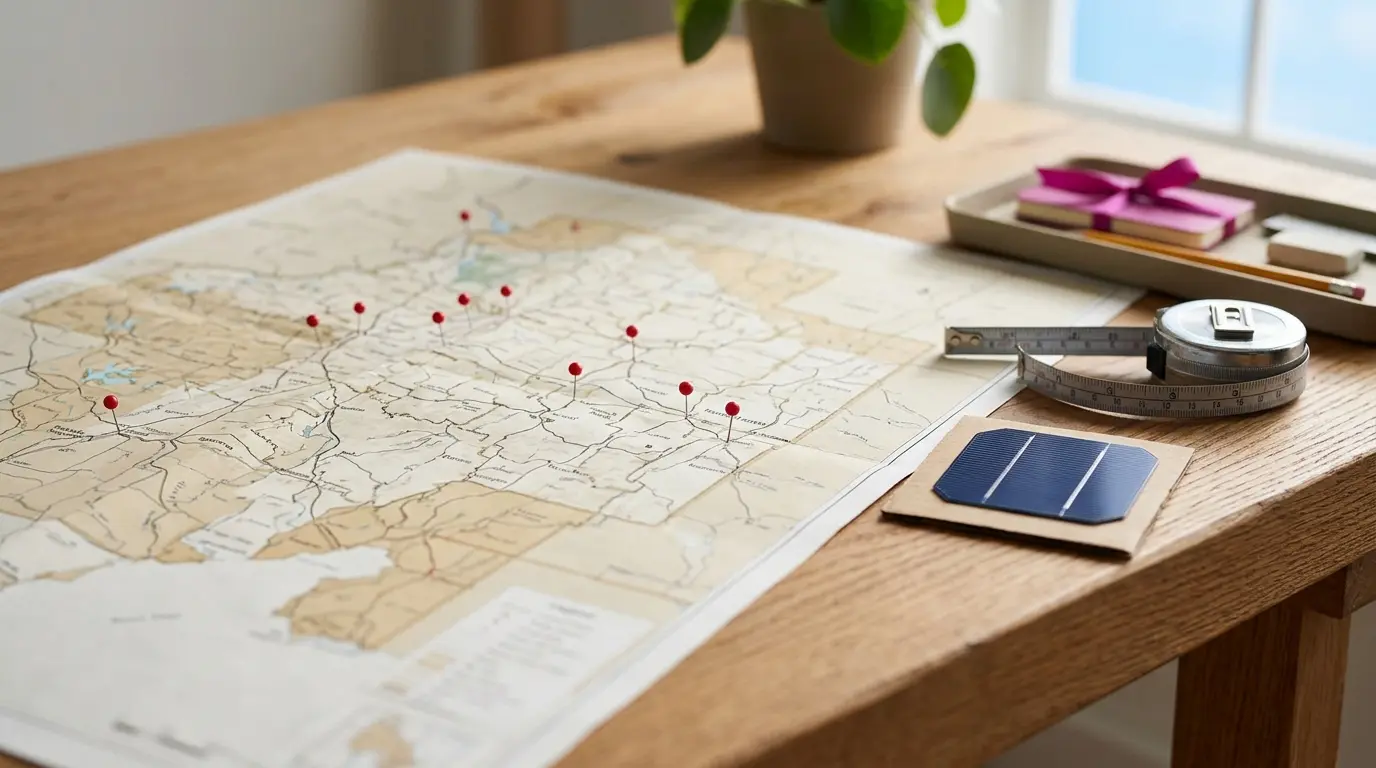
A solar installer covers fifteen cities across two counties. He has a good reputation, clean installs, and five years of reviews. But when a homeowner in Mooresville searches for solar installers, he does not appear. His website mentions Mooresville nowhere.
His homepage says 'Serving the greater Charlotte area.' That is too vague for a search engine and too vague for a homeowner who wants someone local.
Meanwhile, a newer company with fewer installs has a page for Mooresville. It ranks. It gets the call. The experienced installer never knew there was a lead to miss.
If your website does not mention a town by name, you are invisible there. It does not matter how close you are or how many installs you have done on that street.
A service area page is a dedicated page for each city or town you serve. Here is what a good one looks like and how to build them.
What a service area page is
It is a page on your website dedicated to one town or city. It tells both search engines and visitors that you install solar there, and it gives local details that a generic page cannot.
If you serve fifteen towns, you build fifteen pages. Each one is an entry point for homeowners searching in that area.
The essential parts
Every service area page should include these.
- The town or city name in the page title and the main heading.
- A short introduction mentioning the area by name.
- The services you offer there: residential solar, batteries, commercial, repairs.
- Proof you have worked there: install photos, reviews from local customers.
- A quote form or phone number, easy to find without scrolling.
This is not filler. Each piece answers a question the visitor has: do you work here, what do you do, and can I trust you?
Related: Google Business Profile Tips for Solar Installers in 2027
Make each page genuinely local
The biggest mistake is building fifteen pages that say the same thing with only the town name swapped out. Search engines notice, and visitors notice faster.
- Mention local landmarks, neighbourhoods or zip codes naturally.
- Reference the local utility company and any area-specific incentives.
- Show photos from installs in that town or the nearest ones.
- Include a review from a customer in that area if you have one.
Answer the local questions
Each area has details a homeowner will wonder about.
- Which utility company serves the area and how net metering works with them.
- Whether there are HOA restrictions common in local subdivisions.
- How much sun the area gets on average.
- Any local or state incentives available to homeowners there.
This information is what turns a thin page into a genuinely useful one.
Related: AI Receptionist for Solar Companies: Be First to Answer in 2027
Link them together
Create a main service area page that lists every town you cover, with a link to each dedicated page. This helps visitors who land on the wrong town find the right one, and it helps search engines find all your pages.
Words you can use
We install residential and commercial solar across the greater Charlotte area, including Mooresville, Cornelius, Huntersville, Davidson and Lake Norman. Click your town below for local details and recent installs.
Keep them maintained
Add new install photos as you complete jobs. Update incentive details when they change. Add reviews as they come in.
A page that was written once and never touched starts to feel stale. A page that shows a recent install from last month feels alive.
Common questions
- How many service area pages do I need?
- One for each city or town where you actively want customers. Start with the five or ten towns where you do the most work, then add more as you grow.
- Will identical pages with different town names hurt my site?
- Yes. Search engines treat duplicate content poorly. Each page needs genuinely unique local details, photos and information to be useful.
- What if I do not have installs in a town yet?
- Be honest. Mention nearby installs and the areas you have worked in. As soon as you complete a job there, add photos and details.
- Should service area pages replace my Google Business Profile?
- No. They work together. Your Google profile shows you on the map. Your service area pages rank in regular search results. You want both.
That installer in the Charlotte area had the experience, the reviews and the reputation. What he did not have was a page that said the word Mooresville. So when a homeowner there searched, he did not exist.
A service area page for every town you serve is one of the simplest, most effective things a solar company can do. Each page is a door. If the door is not there, nobody walks through it.
We do this for local businesses every week. If it would help, we can show you a demo made for your solar company.
Topics
- service area page
- solar local seo
- local landing page
- service area website
Keep reading

Solar / Oct 27, 2026
Exclusive Solar Leads vs Shared Leads: What Is the Difference in 2027?
The two cost very different amounts for a reason. Here is how to think about them, and about a third kind.
3 min read

Solar / Oct 30, 2026
AI Search for Solar Installers: A Simple GEO Guide for 2027
GEO means showing up in AI answers. Here is the short, plain version for solar companies.
3 min read

Solar / Nov 4, 2026
Solar Lead Response Time: Why Minutes Matter in 2027
An hour is too slow. Here is how to respond to every solar lead fast, and why it changes your results.
3 min read

Solar / Nov 11, 2026
How to Track Solar Installs From Survey to Switch-On in 2027
A solar job has many steps. One board that shows them all stops jobs getting stuck.
3 min read